With so many new AI apps available, it’s difficult to decide which ones are the best AI presentation tools for public speaking. Even more, how to decide what and when to use?
Let’s say you have a speech coming up. You know what you want to say, but it’s challenging to put everything together in a good speech. On one hand, you want to sound natural, but on the other hand, you want to be more productive and get some help.
This is where AI presentation tools can help you speed up the process.
Or maybe you try to improve your public speaking skills. You don’t always get the chance to speak in front of people, but you still want to become a professional speaker. Again, some AI tools for public speaking can be helpful there.
However, it’s important to understand that AI can’t completely replace you. If you only use AI tools, your speech will sound robotic and like everyone else’s.
Have you noticed how people on YouTube or in email newsletters all start to sound very similar? That’s because many people use AI without even checking it. The same thing can happen with public speaking.
The best approach is to mix your thoughts and personal experiences with AI tools, so you still keep your unique ideas.
AI can save you a lot of time and improve your public speaking at every stage of the process, from writing your speech to designing your slides to practicing in front of a camera.
This guide covers the best AI tools for presentations and public speaking. I’ve broken them down into the stages where they are most helpful.
What to Look for in AI Presentation Tools
Before getting into specific AI presentation tools, let’s first look at what they can help you with.
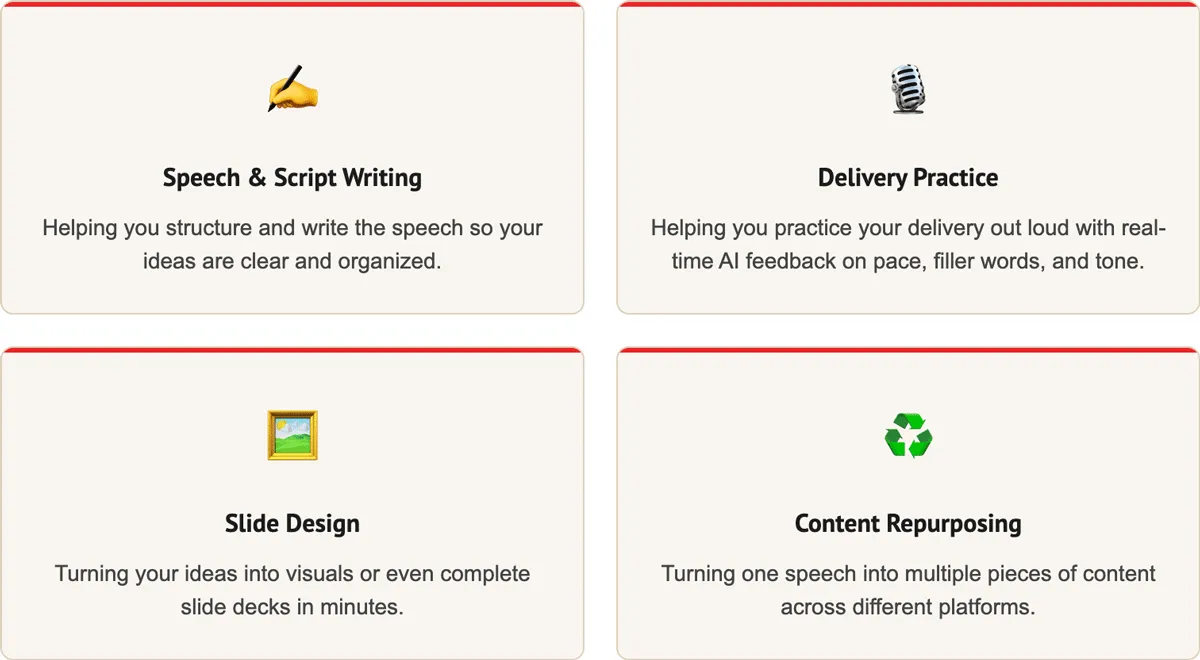
AI can speed up your speech preparation process in four main areas:
- Speech and script writing – Helping you structure and write the speech
- Delivery practice – Helping you with practicing your delivery out loud
- Slide design – Turning your ideas into visuals or even complete slides
- Content repurposing – Turning one speech into multiple pieces of content
Most AI presentation tools help with only one of these stages. A few tools can be used for different purposes. Speakers who get the most value pick a small set of tools (usually three or four) and use each one for what it does best.
You can try them all first and then decide which AI tool for presentations helps you the most.
Best AI Presentation Tools for Public Speaking (Comparison)
| Tool | Best For | Free Plan | Free Trial | Paid Plans From |
|---|---|---|---|---|
| Claude / ChatGPT | Speech drafting and structural editing | Yes | — | $20/month |
| Verble | Guided persuasive speech writing | Yes (preview) | — | $12.5/month |
| Easy-Peasy.ai | Templates, content repurposing, workflow automation | Yes | — | $8/month |
| Wispr Flow | Transcribing and editing spoken input in real time | Yes | — | $12/month |
| Yoodli | Solo rehearsal with feedback | Yes | — | $8/month |
| Orai | Daily delivery practice using a mobile app | No | 7 days | $10/month |
| Speeko | Vocal coaching, exercises, warm-ups | Yes | — | $8.33/month |
| Poised | Virtual presentations and online meetings | Yes | — | $13/month |
| Gamma | Quick slides creation | Yes | — | $9/month |
| Beautiful.ai | Polished, conference-ready slides | No | 14 days | $12/month |
| Canva | Slides + social content in one place | Yes | — | $18/month |
| VirtualSpeech | Rehearsal for in-person events | No | — | $33.25/month |
| Otter.ai | Transcription and meeting capture | Yes | — | $8.33/month |
| Descript | Editing videos by editing what you said | Yes | — | $16/month |
Pricing current as of 2026. Always verify directly with each provider before purchasing.
AI Presentation Tools for Writing a Speech
Claude and ChatGPT
For writing or improving your speech, you can use Claude or ChatGPT. Both are great for organizing your ideas and helping you structure your speech.
Claude has a more conversational, natural writing style. It is one of the strongest AI tools for thinking and writing related to public speaking.
ChatGPT, especially with the latest updates, is much weaker in this area and can sound more like AI if you ask it to write something from scratch. But surprisingly, it can improve Claude’s text once you have a copy.
For the best mix, try using both AI tools to write or edit your content. Then, pick the version you like most, or combine the best parts from both.
Your content will sound better if you first speak your ideas aloud and record them, then give the transcript to Claude or ChatGPT to turn it into a speech, YouTube script, social media post, etc.
You can also ask AI to help improve your speech. For example, ask to identify weak transitions, rewrite a paragraph in different tones, or suggest what a skeptical audience member might push back on.
The quality of your prompts will directly affect the results you get.
From my experience seeing many people use AI for speech writing, I recommend editing the content you get from any AI tool to make it sound more like your own voice before you start practicing your speech.
If you want to become a TEDx speaker, note that many TED Talk applications now include a checkbox where you confirm that you didn’t use AI for writing your speech. Because it’s easy to notice if you only use AI.
Use tools like Claude or ChatGPT to help you phrase your ideas, but then edit the final version of your speech to make it sound human.
- Pricing: Both offer free plans. Claude Pro starts at $20/month. ChatGPT Plus starts at $20/month.
- Best for: Drafting, structural editing, and testing your speech before delivery. Free plans work for most casual users.
- Limitations: Neither tool can analyze your actual delivery or performance. They can also sometimes hallucinate facts, statistics, or quotes with complete confidence. For speakers who cite data on stage, that’s a serious problem. Always verify the information you get from AI tools.
Verble
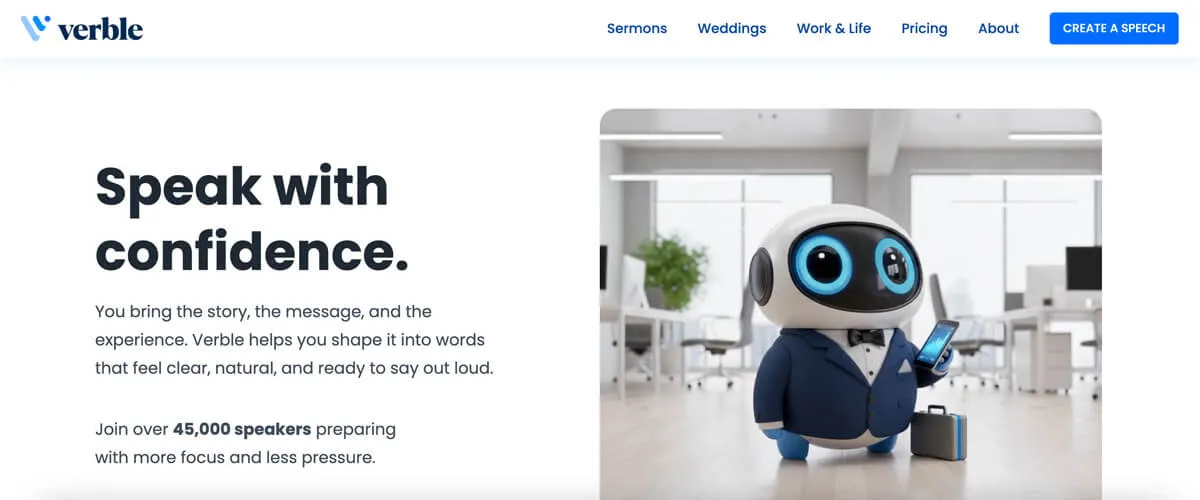
Verble is an AI speech writing tool designed specifically for public speakers. It walks you through a guided process. It will ask you questions, outline the structure, and help refine your speech with smart editing tools.
Think of it as a smart partner that helps you write your first draft faster.
It’s particularly helpful when you prepare speeches where the audience might push back hard.
It analyzes your argument structure, generates likely counterarguments, and rates how convincing you sound. This makes it great for sales pitches, panel discussions, or any talk with a skeptical or hostile audience.
- Pricing: Free to start and preview. Unlimited speech creation starts at $12.5/month (billed annually) or $25/month.
- Best for: Speakers who want a guided, structured writing process, for example, for sales pitches, panel discussions, or Q&A preparation.
- Limitations: It’s less useful for advancing your rhetorical skills or developing a unique point of view. It provides support, but doesn’t offer deep differentiation.
Easy-Peasy.ai
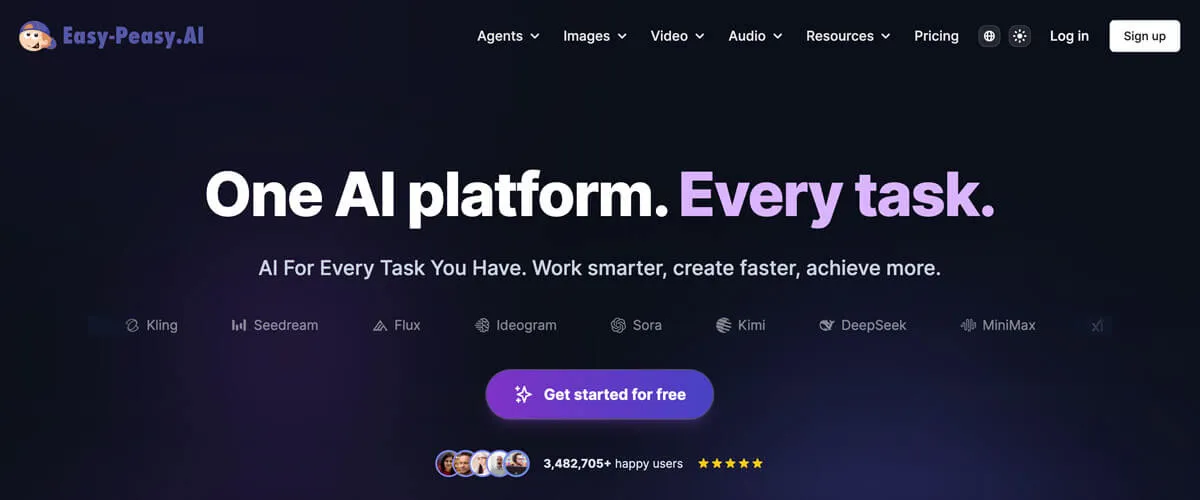
Easy-Peasy.ai can help you come up with a quick speech. It offers 200+ content templates, including speech outlines, persuasive writing structures, storytelling frameworks, and hook formulas.
It’s especially helpful when you’re tight on time and need a solid starting point.
The Marky AI Agent is a chat-based assistant that can browse the web, run code, generate charts, analyze files, and create draft content.
You can use it for research (finding data or statistics for your speech), repurposing (turning a transcript into LinkedIn posts, YouTube descriptions, or email content), and brainstorming speech ideas.
Workflows let you combine AI tasks. For example, you can transcribe a recording, summarize it, generate three social post drafts, and create a thumbnail all in one workflow.
If you turn speeches or long videos into content, building a workflow once and reusing it will save time compared to running each step manually using different tools.
- Pricing: Free plan available. Paid plans at $8/month or $96/year.
- Best for: Speakers who want a library of speech and content templates to work from quickly, or those who need one subscription to cover both writing and content production.
- Limitations: It’s a general tool that works well for simple speeches and marketing. It’s good for volume and speeding up your content workflow. For important speeches, use a combination of several AI presentation tools.
Wispr Flow
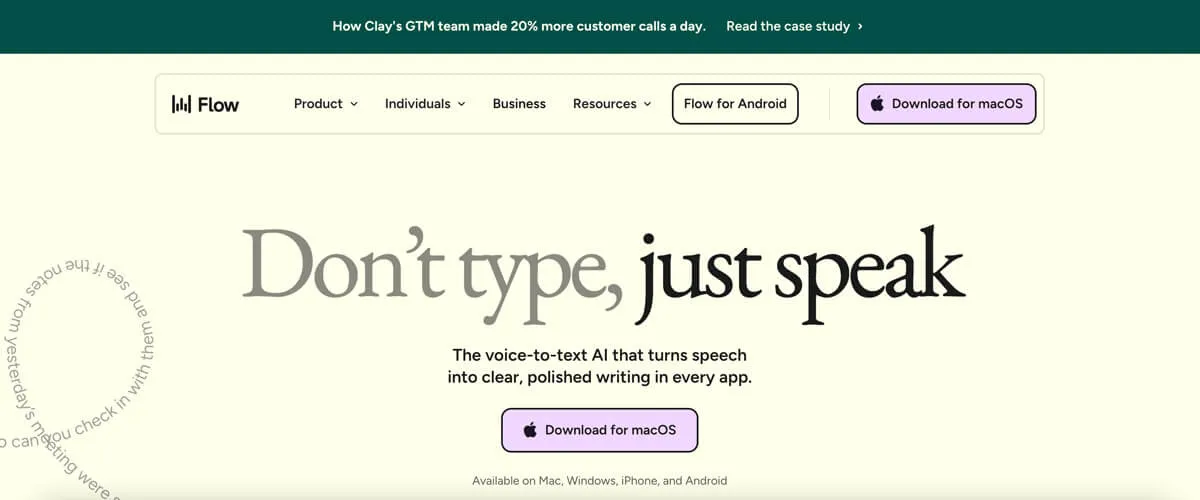
Wispr Flow is an AI voice dictation tool that transcribes and edits your speech in real time, turning natural, sometimes rambling ideas into clean, well-formatted text. It automatically removes filler words and fixes sentence structure so you don’t have to clean up the output manually.
One of its useful features is adaptive tone. You can set different writing styles for different types of apps: formal for emails and documents, casual for work chat, and very casual for personal messaging. This way, you speak naturally, and the output automatically matches the context.
Wispr Flow also includes a personal dictionary that learns your specific vocabulary, names, and industry terms over time. The Command Mode lets you give AI-powered editing instructions by voice.
It’s especially useful when you prepare your speech. You can talk through your ideas anytime, anywhere, and then later review your notes to outline or draft a proper speech.
You might first capture your ideas in Wispr Flow, then use Claude or ChatGPT to combine them into a structured outline, and finally edit until you have your final version.
It works on both computers and phones.
- Pricing: Free plan available (2,000 words per week on Mac or Windows; 1,000 words per week on iPhone). Paid plans start at $12/month (billed annually) or $15/month.
- Best for: Quickly capturing speech ideas and stories anytime, on any device.
- Limitations: Requires a constant internet connection. No offline mode is available. It can also over-edit your natural phrasing, which may flatten your voice, so anything important should be reviewed.
AI Presentation Tools for Delivery and Rehearsal
Writing a great speech is only half the work. Once it’s ready, you need to practice your delivery. These public speaking AI tools will help you rehearse your speech.
Even if you don’t have any upcoming speaking engagements, you can still use these tools to improve your skills. Pick a topic you want to improve on and use these AI tools for public speaking practice.
Yoodli
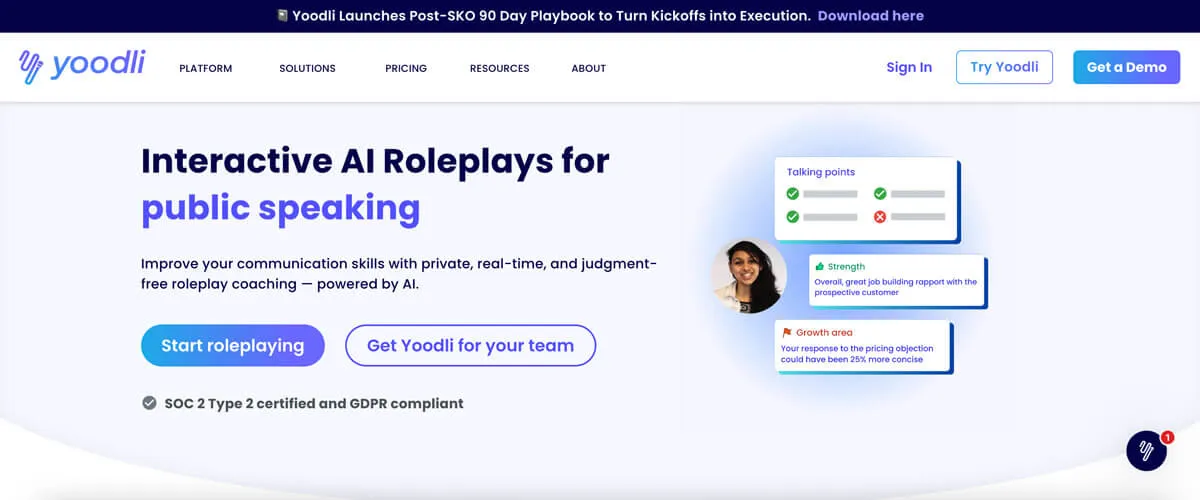
Yoodli is an AI speech coach that analyzes your delivery. It tells you where you use filler words, analyzes how fast or slow you speak and your sentence structure, and gives other feedback on your public speaking skills.
You can use it in two ways: record yourself practicing a speech and upload it for analysis, or connect it directly to Zoom for live feedback during virtual presentations and meetings.
What’s interesting about Yoodli is that it tracks your progress over time. That way, it helps you build a performance history you can learn from.
Think of it like Grammarly, but for your speech: It’s not a replacement for a coach, but it helps identify patterns in your public speaking.
- Pricing: Free plan available (up to 5 roleplays). Paid plans start at $8/month (billed annually) or $11/month.
- Best for: Solo practice when you want data-driven feedback. Free plan works for most users.
- Limitations: Feedback is based on data and may not always understand intentional pauses or stylistic choices. It can flag “filler words” that are part of your rhetorical style.
Orai
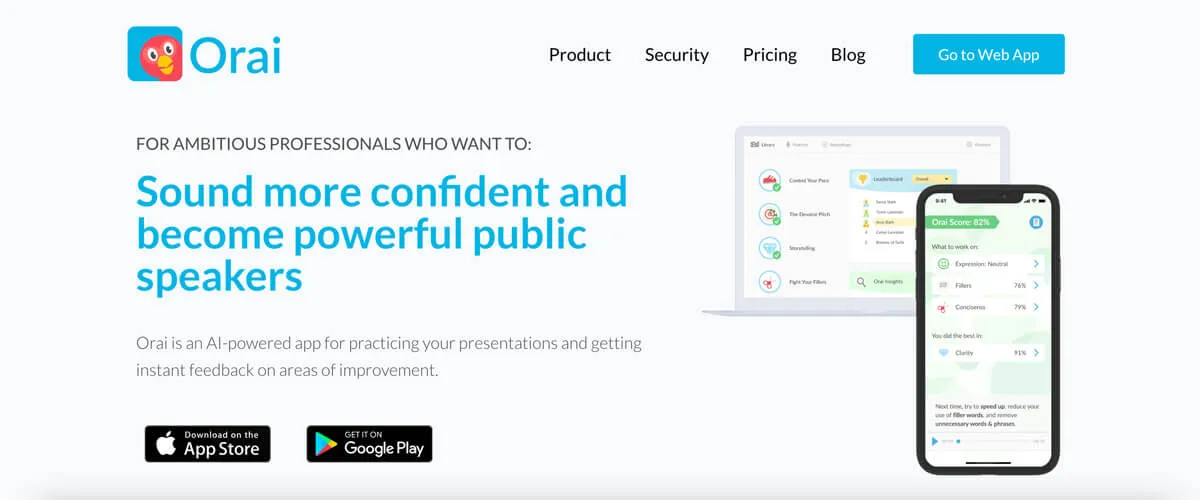
Orai is the AI tool for public speaking built around the idea that consistent, short practice sessions are more effective than occasional marathon rehearsals. It’s the one that is most likely to actually change your public speaking habits with daily practice.
It encourages you to practice for 5 minutes every day to improve your public speaking.
Orai also offers structured lesson paths to help you build skills step by step. It provides daily prompts to help you practice impromptu speaking, which is the skill most speakers neglect almost entirely.
There’s also a Script Mode where you can paste your actual speech and practice against it, receiving feedback on how closely your delivery matches your intended content.
This public speaking AI tool is available on both iOS and Android, so you can practice on the go.
- Pricing: No free plan. 7-day free trial available. Pro plan starts at $10/month or $49.99/year.
- Best for: Building a daily practice habit, especially for speakers who travel or want to rehearse on the go.
- Limitations: Less sophisticated analysis than Yoodli. Better for beginners than professional speakers refining advanced skills.
Speeko
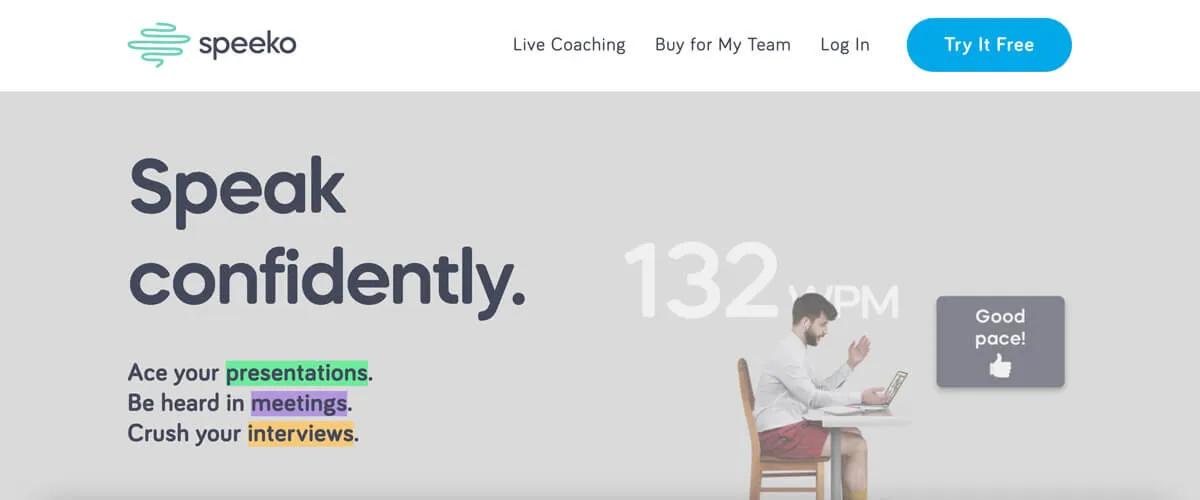
Speeko is a public speaking AI coaching app designed for beginners. It helps you build communication confidence, which is useful for everything from job interviews to media appearances.
Speeko includes over 1,000 exercises and courses, plus daily warm-ups that take as little as two minutes.
You’ll find short lessons on topics like vocal presence, storytelling, handling nerves, and clarity of thought. The lessons are usually around five to ten minutes.
It’s structured more like a fitness app than a course platform, with the idea that small, consistent practice leads to real skill over time.
Speeko is iOS-first (with Mac support), so Android users will need to look elsewhere.
- Pricing: Paid plans start at $8.33/month (billed annually) or $29.99/month. Lifetime option is available for $299.99.
- Best for: New speakers working on building their public speaking confidence before they’re ready for stage-specific coaching. It is also a simple way for experienced speakers to maintain their skills.
- Limitations: Not ideal for event-specific preparation or high-level content development.
Poised
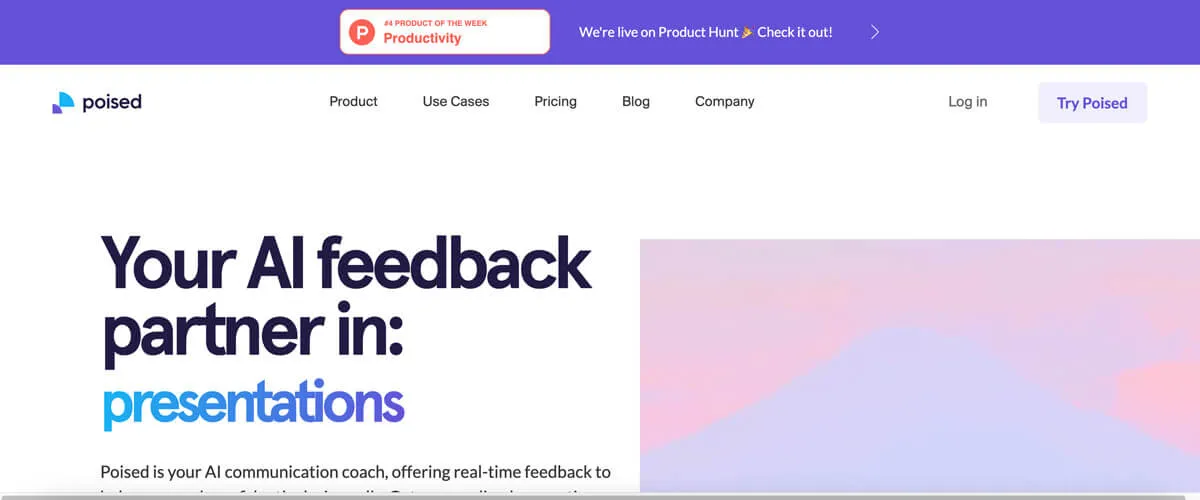
Poised is ideal for speakers who do a lot of virtual presentations, client calls, media appearances, or online keynotes. This public speaking AI tool runs in the background during video meetings on Zoom, Google Meet, and Microsoft Teams, giving real-time feedback on filler words, energy, confidence, and how much you’re talking versus listening.
Poised also generates a post-meeting summary.
Over time, it builds a picture of your communication patterns so you can see what you consistently do well and where you need to improve.
The key advantage is that it runs privately, so no one else on the call knows you’re using it.
It doesn’t analyze video or body language, but for vocal delivery in virtual settings, it’s the leading public speaking AI tool.
- Pricing: Free plan available. Paid plans start at $13/month (billed annually) or $19/month.
- Best for: Executives, coaches, sales professionals, and anyone who does most of their public speaking online.
- Limitations: Only works in virtual meetings.
AI Presentation Tools for Creating Slides Design
Designing your visuals is another important part of the public speaking process. Here are some AI presentation tools that will help you create beautiful slides.
Gamma
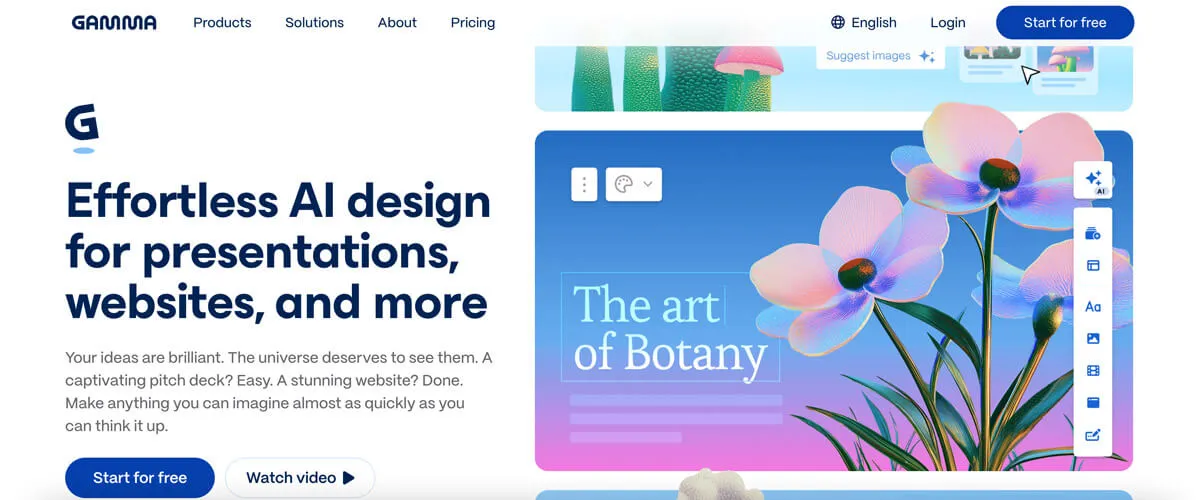
Gamma is an AI tool for presentations that generates a complete, formatted presentation in under a minute, based on a text prompt or uploaded document.
You simply give it a topic, an outline, or even just a rough idea, and it will quickly generate well-designed, visually consistent slides.
What sets Gamma apart from basic AI slide generators is the quality. The slides look polished, not like outdated templates.
Gamma has become one of the most impressive AI presentation tools, especially for those who need a professional presentation without spending half a day in PowerPoint.
It passed 70 million users in 2025 and raised $68 million at a $2.1 billion valuation. It’s proven to be one of the trusted AI tools for presentation.
- Pricing: Free plan available (400 AI credits at sign-up). Paid plans start at $9/month (billed annually) or $12/month.
- Best for: Fast first drafts, internal presentations, and anything you need to share quickly before you have time for a proper design. It can cut your design time dramatically and give you some foundation to work from.
- Limitations: It may not be ideal for TEDx talks or speeches where every visual needs to be carefully crafted. But it can be a good solution for workshop slides, last-minute speeches, or general presentations.
Beautiful.ai
Beautiful.ai is an AI design tool that uses smart templates to automatically adjust layout as you add or remove content. Instead of generating slides from a prompt, it focuses on making the editing process itself smarter.
Its “smart slides” automatically adjust layout, spacing, and proportions as you add and rearrange content. It makes your slides visually clean and professional without you having to manually fix formatting every time you change something.
The designs are more polished right out of the box compared to most competitors.
If Gamma is the AI tool for presentation that will help you generate something fast from almost nothing, Beautiful.ai is perfect for creating something precise and professional once you already know what you want to say.
It also has a desktop app.
- Pricing: No free plan. 14-day free trial (credit card required). Pro plan starts at $12/month (billed annually).
- Best for: Creating presentations when you have already defined your content and want it to look professional. It gives you more control over the final design than Gamma, but requires more hands-on work.
- Limitations: Less AI-generative than Gamma (it doesn’t write content for you), and the template library, while smart, can feel limiting if you want a truly custom design.
Canva
Canva is one of the most popular visual design platforms, and now it’s also one of the well-known AI presentation tools.
Beyond its familiar drag-and-drop interface, Canva now lets you generate entire presentations from a text prompt, write slide copy with AI, create custom images, and instantly resize designs for different formats and platforms.
Magic Design generates a deck from a prompt. Magic Write helps with slide copy. And Canva’s template library is the largest in this category.
For speakers, the real value is in creating all the visual assets that they need for their speaking career: speaker one-sheets, social media graphics, YouTube thumbnails, workshop presentations, course materials, event promotion graphics, branded quotes, and more.
Canva offers everything you need in one place. If you’re building a speaking business and want just one design tool, Canva is the right tool for you.
- Pricing: Free plan available. Canva Pro starts at $18/month (or $144/year).
- Best for: Speakers who already use Canva or anyone who wants slides and social graphics in one place. It’s the most flexible tool for combining AI assistance with your own design work, allowing you to use the same tool for slides and content creation.
- Limitations: The AI-generated presentations are more generic compared to Gamma’s, so if you’re looking for highly customized visuals, you may need to adjust them manually.
AI Tools for Public Speaking with Virtual Reality
VirtualSpeech
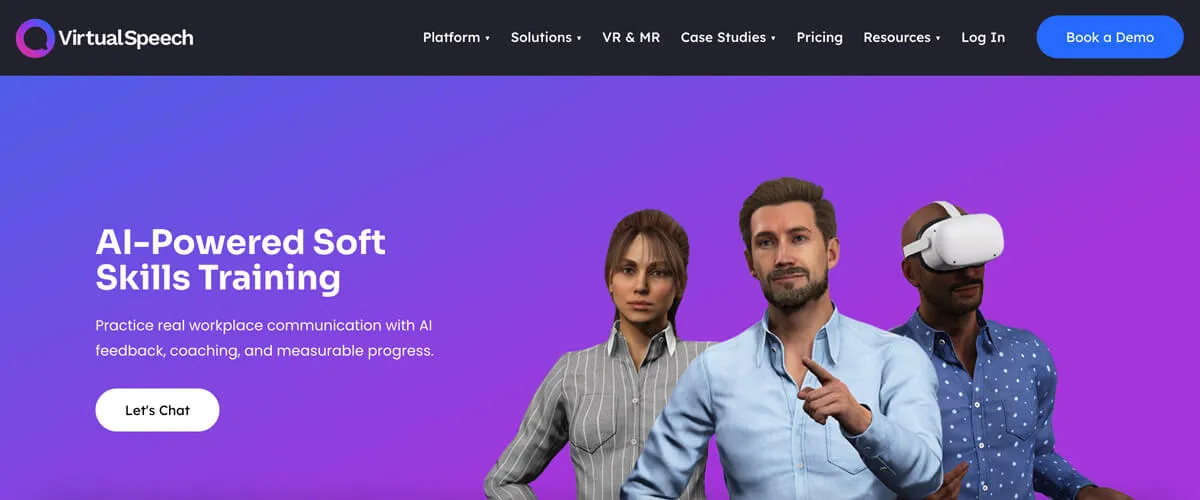
VirtualSpeech is a public speaking AI tool that uses VR technology to put you in front of a simulated audience in realistic environments like conference rooms, auditoriums, networking events, or boardrooms. The virtual audience reacts and creates the visual pressure of a real crowd.
The AI tracks details of your presentation like your eye contact, pacing, filler words, and energy, then gives you structured feedback after each session.
You can also add distractions, like a coughing audience or a ringing phone, which is especially useful if you have public speaking anxiety, because this creates natural conditions for rehearsal.
Most content can be accessed through a web browser without a headset, so you can still use the platform without VR equipment. However, if you have a chance, then the full immersive experience is much more interesting.
The platform also includes AI roleplay conversations with live feedback, 50+ practice exercises, and accredited certificates upon completion.
It’s used by over 550,000 people across 130+ countries, including enterprise clients and universities.
- Pricing: No free plan. Paid plans start at $33.25/month (billed annually) or $45/month.
- Best for: Speakers who need to rehearse for in-person events and want to practice with a live audience before their actual public speaking engagement.
- Limitations: Requires a VR headset for the full experience (though a browser version is available). The virtual audience may not fully replicate the energy of a real crowd.
AI Presentation Tools for Content Creation and Transcription
As a speaker, you need to build a personal brand and an online presence in addition to delivering speeches. For this, you either create new content or repurpose your recorded speeches and workshops.
You can turn your speech into a YouTube video, LinkedIn carousel, blog post, or email newsletter, and reach a new audience.
You can also create content around your topic to build authority online. Either way, these AI presentation tools will help.
Otter.ai
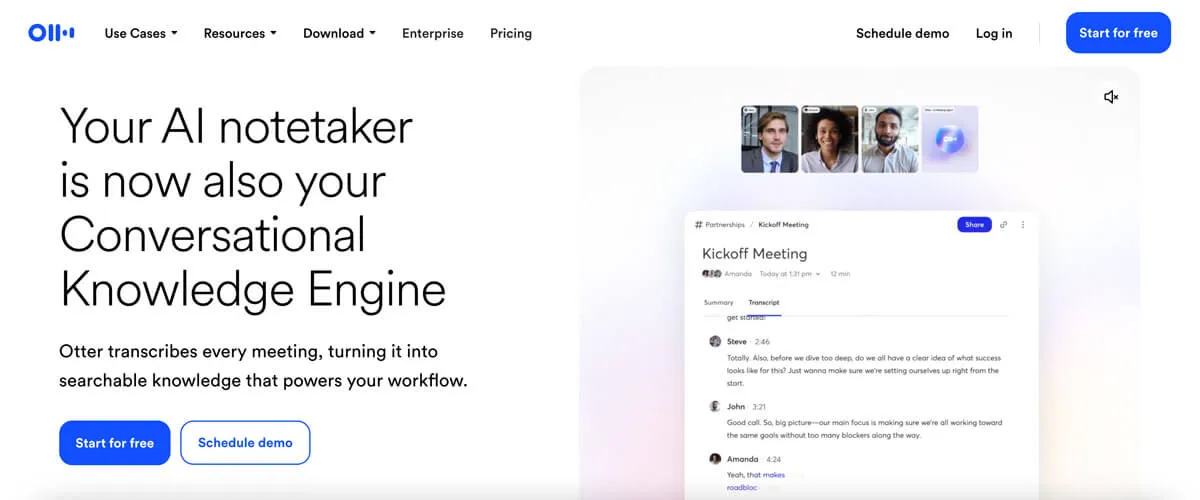
Otter.ai does one thing exceptionally well: it listens, transcribes, and turns spoken words into organized, searchable text.
It works in real-time during meetings and calls, or you can upload recorded audio or video for transcription. It identifies different speakers, generates summaries, and flags action items automatically.
You can use it for analyzing your own speeches. After you transcribe a recorded speech, review your words, structural flow, and pacing.
- Pricing: Free plan available (300 minutes/month, 30 minutes max per conversation). Pro plan starts at $8.33/month (billed annually) or $16.99/month.
- Best for: Recording speeches and interviews in real time for later repurposing.
- Limitations: Transcription accuracy drops with heavy accents, fast speech, or overlapping voices.
Descript
Descript makes video editing feel like editing a Google Doc. When you upload a recording, it transcribes the audio, and then you can edit the video by editing the text. You can delete a sentence from the transcript, and it disappears from the footage.
Let’s say you want to rearrange paragraphs, then the video clips will be rearranged with them. It’s a genuinely different way of working.
On top of that, Descript’s AI features are very impressive. Studio Sound cleans up audio quality from imperfect recording environments. You can remove every “um” and “uh” from a recording with a single click.
You can also clone your own voice so you can fix a mispronounced word or awkward phrase without re-recording.
For speakers producing YouTube content, podcast episodes, or a speaker reel, Descript is one of the highest-leverage tools available.
You can easily use it even if you don’t have a video editing background at all.
- Pricing: Free plan available (60 media minutes/month, watermarked video exports). Paid plans start at $16/month (billed annually) or $24/month.
- Best for: Content production like YouTube videos, podcast editing, creating speaker reels, and editing social media videos. It’s great for speakers producing video content at high volume.
- Limitations: The AI voice cloning (Overdub) requires training and isn’t perfect for high-stakes audio.
How to Choose AI Presentation Tools
You don’t need to use all of these tools. Most speakers get the most value from three to four AI presentation tools that help save time and improve public speaking skills.
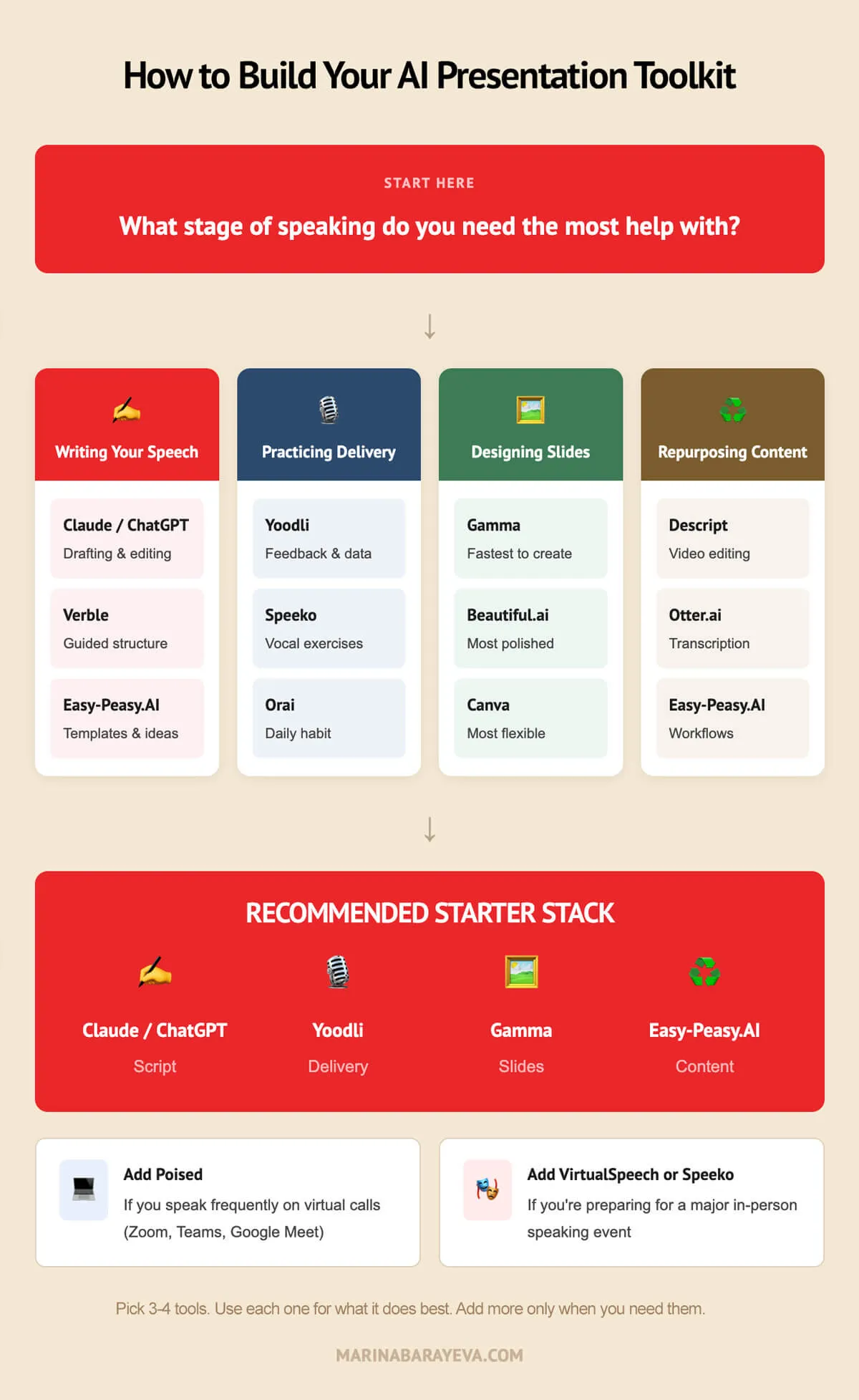
A practical starting set of AI tools for presentation could include:
- Claude or ChatGPT for drafting and refining your script
- Easy-Peasy.ai if you need templates for a short speech or want one platform for repurposing content
- Canva or Gamma for slides (Canva if you want more design control, Gamma if you need speed)
- Yoodli for rehearsal and delivery feedback
If you often have virtual calls, add Poised. If you’re preparing for an important offline public speaking event, add Speeko for vocal work or VirtualSpeech for environment rehearsal.
When you pick your AI presentation tools, choose those that bring you the most value and save more time.
Frequently Asked Questions
The best AI presentation tools for public speakers depend on which part of the process you need help with. For slide design, Gamma, Beautiful.ai, and Canva are the top choices. Claude and ChatGPT will help you with speech writing. Easy-Peasy.ai adds templates and workflow automation. For delivery coaching, Yoodli is the most complete solo rehearsal tool.
Yes. Claude and ChatGPT are both strong for speech drafting, editing, and structure. The most effective approach is to start with your outline, then use AI to find weak spots, rewrite sections in different tones, and generate questions for Q&A preparation. Easy-Peasy.AI is a good option if you want to start from a template. Verble is a great option for a guided, step-by-step writing process.
It depends on your needs. Gamma is the fastest for generating a polished first draft from a prompt. Beautiful.ai gives the most consistent design if you create many slides. Canva offers the most flexibility if you want to use AI-generated slides and use the same tool for social media content.
Yes. Yoodli (free plan), Claude and ChatGPT (free plans), Canva (free plan), Gamma (free plan), Otter.ai (300 minutes/month), Descript (limited free plan), Speeko (core features free), and Poised (free plan) all offer useful features without paying.
Orai and VirtualSpeech offer free trials instead of ongoing free plans. For most speakers just getting started, the free options using these AI presentation tools are enough to cover the full workflow.
If you need to create something fast, use Gamma. If design quality is more important to you, then use Beautiful.ai. Gamma has a free plan; Beautiful.ai does not (though it offers a 14-day trial). Gamma is good for small event presentations. Beautiful.ai for more professional public speaking engagements.
Yes. Yoodli is the leading tool for AI delivery coaching. It records your practice session and gives feedback on filler words, pace, eye contact, and vocal variety, plus a simulated Q&A. Orai is better for daily public speaking practice using a mobile app.
Speeko focuses specifically on vocal mechanics and includes an extensive exercise library. Poised gives real-time feedback during live virtual calls. VirtualSpeech uses VR to simulate speaking environments for in-person prep.
Descript is the best tool for turning a recorded talk into video clips and short-form content. Otter.ai handles real-time transcription. Easy-Peasy.AI’s Workflow feature lets you combine several steps into one workflow. Claude and ChatGPT can turn a transcript into a blog post, YouTube description, or email sequence.
Not completely. AI presentation tools like Yoodli and Poised can help you catch surface-level mistakes like filler words or pacing. However, they don’t replace the nuanced feedback from a skilled human public speaking coach. Use AI tools in addition to live coaching, not a substitute.